Wow, what a title!
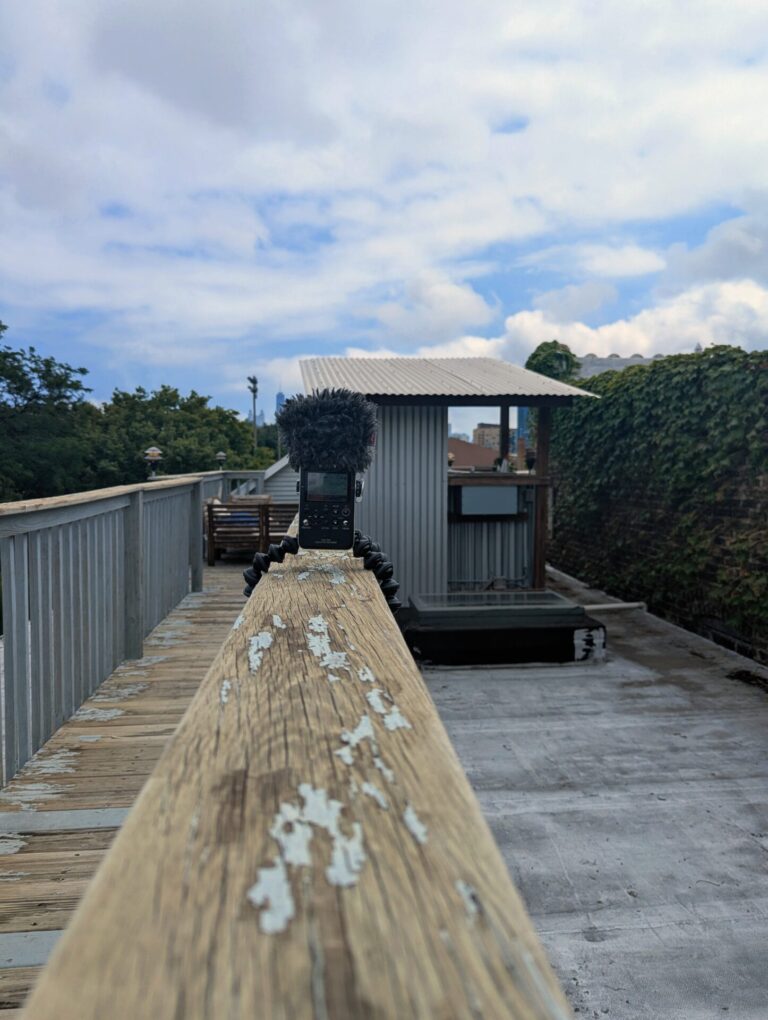
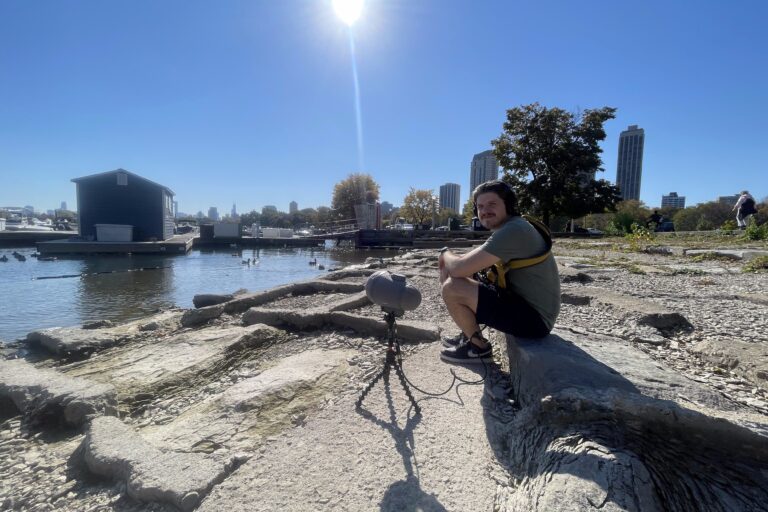
A lot of recordists I know make use of highly ultrasonic capable microphones like the Sanken CO100K and LOM Uši. Many opt to use them along with other microphones they like the sound of, but that don’t have much ultrasonic capability. When editing/mixing material recorded with that kind of set up, it can be helpful to create your own sort of Crossover EQ between the microphones… keeping only the desired frequencies between each mic.
One thing you lose with that set up, however, is an easy way to preview the sound slowed down accurately. As you slow the playback rate, the EQs remain the same, and process the slowed signal as if it were still being played back at a normal rate. This means you aren’t hearing a lot of the (now audible) ultrasonic information at a slow play rate.
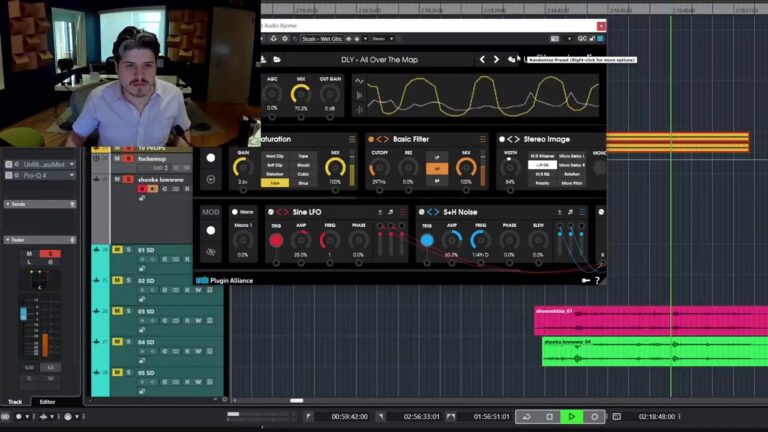
You could opt to render out the sounds and then slow them down… or you can do a bit of routing and alternate signal processing in Reaper to hear the result before you hit render. Maybe even set up some custom actions and run them from your Stream Deck so you can do it all with one button push!
The bulk of this idea is from Nikolaj de Haan. He shared a video of the way he achieves this same thing, and it inspired me try it myself. I’m super happy with the result! My Sanken C0100K/CMS50 setup has become a go to mic setup for me, so workflows like this are super handy.